Smartphone Night-Sky Photography: A Realistic Guide for City Shooters
Every few months someone tells me phone cameras can't do astrophotography. Then I show them a shot of the Moon with visible craters, or a stack of thirty frames that pulled the Pleiades out of an orange city sky, and the conversation changes. Phone cameras have real limits, especially under light pollution, but those limits are further out than most people assume. The key is understanding what your phone is good at and building your technique around it.
The biggest advantage of a phone is that you always have it. The biggest disadvantage is the small sensor, which struggles with faint light and generates noise fast. You can't change the sensor, but you can change almost everything else: how steady the phone is, how long the exposure runs, how many frames you capture, and how you process them afterward.
The Basics That Actually Matter
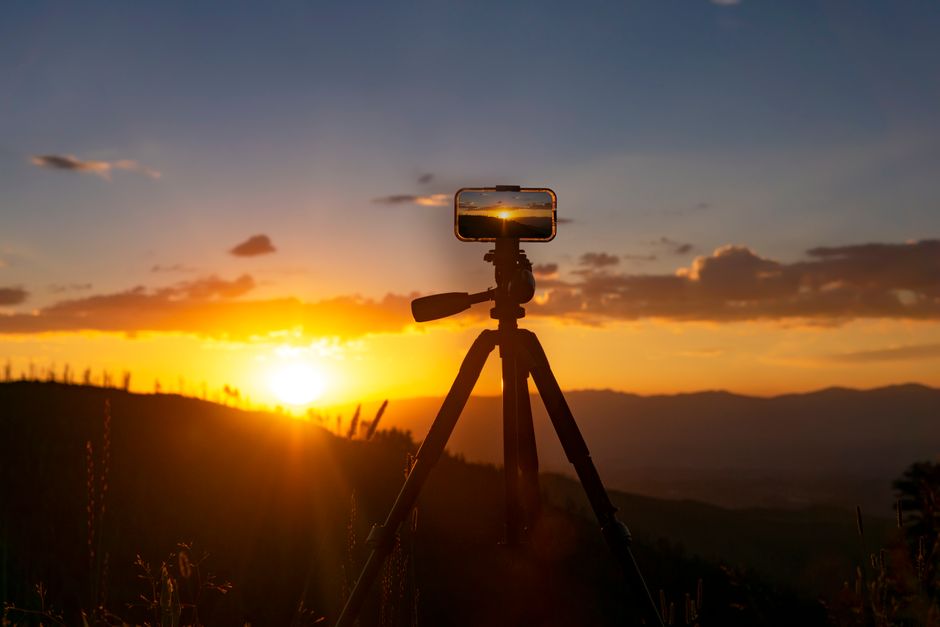
First, get the phone off your hands. A tripod is non-negotiable for anything beyond a quick Moon snapshot. Even a cheap mini tripod or a phone clamp on a railing will do. Handshake ruins long exposures, and no amount of post-processing fixes a smeared star trail.
Second, learn your phone's manual or pro mode. You want control over ISO, shutter speed, and focus. For city skies, ISO 400 to 800 is usually the sweet spot — higher values bring in more light but also more noise and more of that orange glow. Shutter speeds of 2 to 10 seconds work for many bright objects; longer exposures will start to show star trails and will also blow out the sky from light pollution. Focus manually at infinity, then nudge slightly until stars are as small and sharp as possible. Autofocus rarely nails it in the dark.
Third, shoot in RAW if your phone supports it. RAW files give you far more room to pull down highlights and lift shadows without destroying the image. If RAW isn't available, shoot in the highest-quality JPEG mode and avoid digital zoom entirely.
Techniques That Push Past the Limits
Stacking is the single biggest upgrade you can make. Take ten, twenty, or fifty identical frames of the same scene, then combine them in a free app or desktop program. Stacking averages out random noise while keeping the stars, which means you can shoot at lower ISO and still get a cleaner result than any single frame. It takes a few minutes of setup and a bit of patience, but the difference is dramatic.
For the Moon, use the shortest exposure your phone allows and drop ISO as low as it goes. The Moon is bright — brighter than most people realize — and the challenge is not gathering light but controlling it. A small telescope or even binoculars held against the phone lens can give you surprisingly detailed lunar shots.
For constellations and bright stars, find a spot where a building or tree blocks the worst of the streetlights, frame a recognizable pattern, and shoot a series. Process gently: reduce noise, boost contrast slightly, and resist the urge to over-edit. The goal isn't to fake a dark-sky photo. It's to capture what your city sky actually looks like, honestly and beautifully.
Phone astrophotography in the city is a craft of small wins. A sharper Moon, a cleaner star field, a constellation you couldn't see before. Stack enough of those wins and you'll have a portfolio that surprises people — including yourself.