Editing Urban Astrophotos: Taming the Orange Glow Without Faking the Sky
Every urban astrophotographer eventually faces the same moment: you open a night-sky shot on your computer and the sky is not black. It is orange, or brown, or a muddy purple. The stars are there, but they are swimming in a gradient of city light. The temptation is to crank the black point, desaturate the whole image, and call it done. That approach works sometimes, but it often leaves the sky looking dead and the foreground looking fake. There is a better way.
The first thing to understand is that light pollution is a gradient, not a uniform wash. It is usually strongest near the horizon and toward the city center, fading as you look up and away. If you treat it as a flat problem, you will over-correct one part of the image and under-correct another. The goal is not to remove every trace of glow. The goal is to reduce it enough that the stars read clearly while the image still looks like it was taken on Earth, in a city, at night.
A Simple, Repeatable Editing Workflow
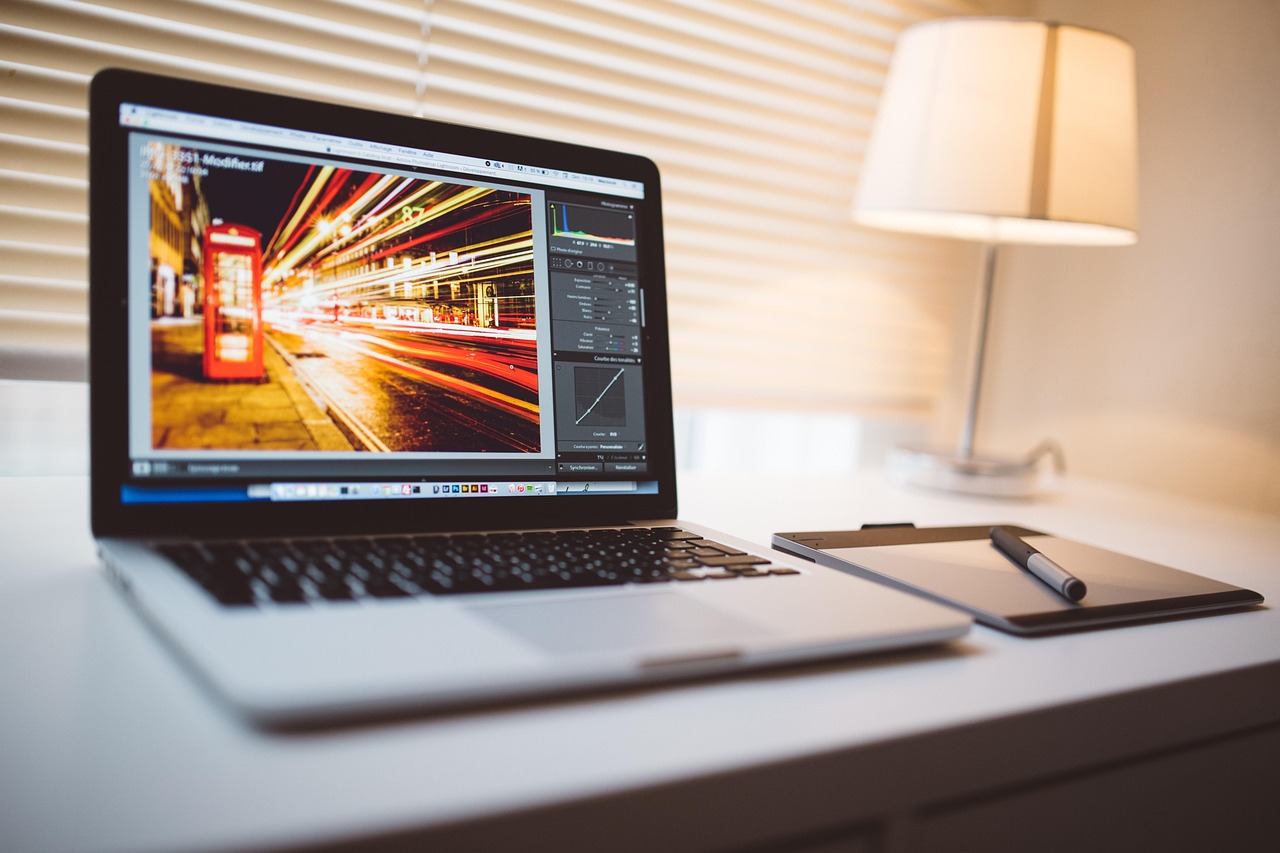
Start in your raw editor. Bring down the highlights slightly and lift the shadows just enough to see what you captured. Do not push the blacks yet. Then open the image in an editor with gradient masks — Lightroom, Capture One, or any program that lets you apply adjustments to a selected area. Draw a linear gradient from the horizon upward and reduce its exposure, contrast, and saturation. This handles the bulk of the orange glow without touching the stars. If the glow is uneven, add a radial mask over the brightest patch and pull it down further.
Once the gradient is under control, address color. Light pollution is usually orange or yellow, so a targeted decrease in saturation for those hues will help without affecting star colors. Be careful with global white balance. If you cool the whole image to fight the glow, you will turn your foreground blue and lose the warmth of any streetlights or windows that are part of the scene. Let the city stay warm. Let the sky be neutral. They can coexist.
Finally, handle noise. Urban night shots are often taken at high ISO, and lifting shadows will reveal chroma noise. Apply noise reduction selectively, and avoid over-smoothing. A little grain is honest. A plastic sky is not. If you are stacking multiple exposures, do the gradient correction on the stacked result rather than on each frame, because stacking can amplify uneven gradients if you are not careful.
Knowing When to Stop
The hardest part of urban astrophotography editing is knowing when the image is done. If you remove all the glow, the sky looks like it was shot from a mountain, and the foreground — a fire escape, a rooftop, a streetlamp — looks pasted in. That mismatch is worse than a little orange. The best urban night images embrace the city. They let the glow be part of the story. They show stars fighting through the light, not stars pretending the light is not there.
So set a limit for yourself. Decide how much glow you are willing to keep, and stop there. Your goal is not to fool anyone. It is to show what the night sky looks like from where you actually live. That is a more interesting photograph than a fake dark-sky shot, and it is a more honest one. The city is part of the frame. Let it be.